
WI-VINE Coverage for St. Croix County
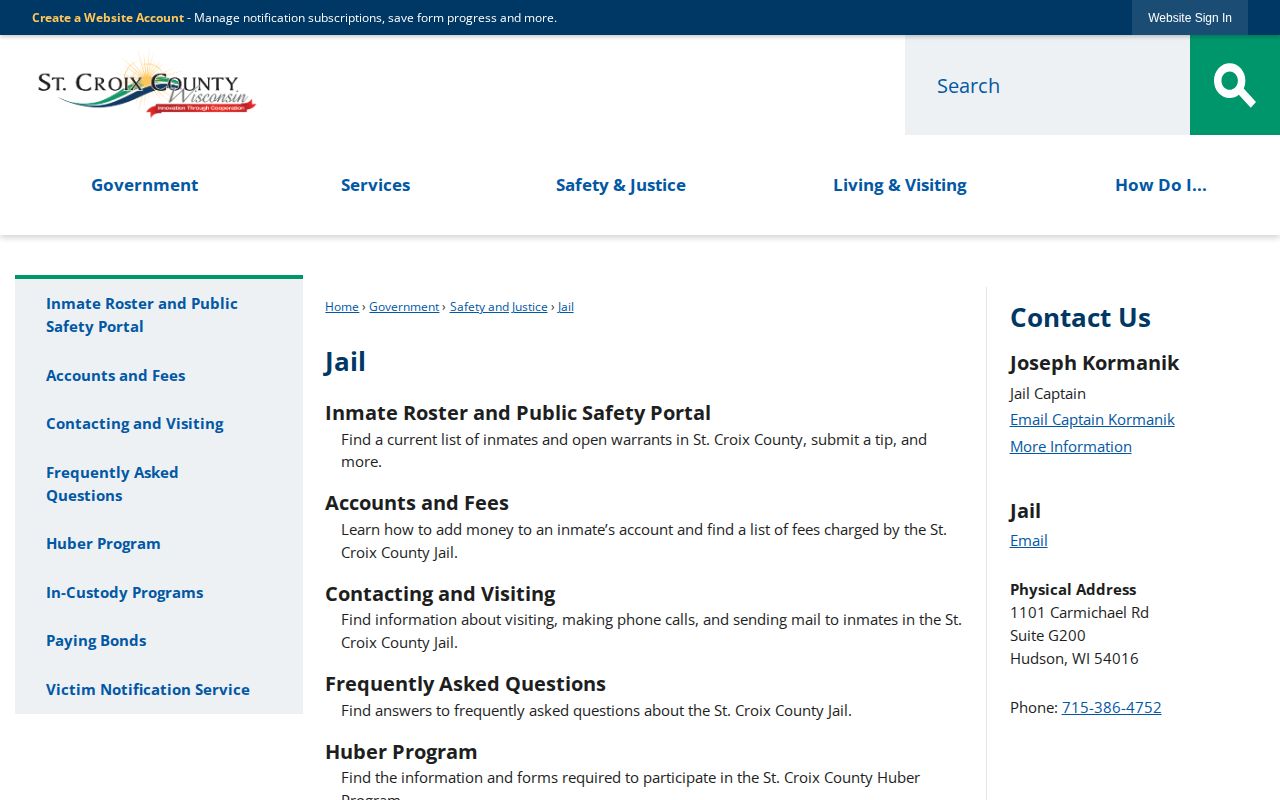
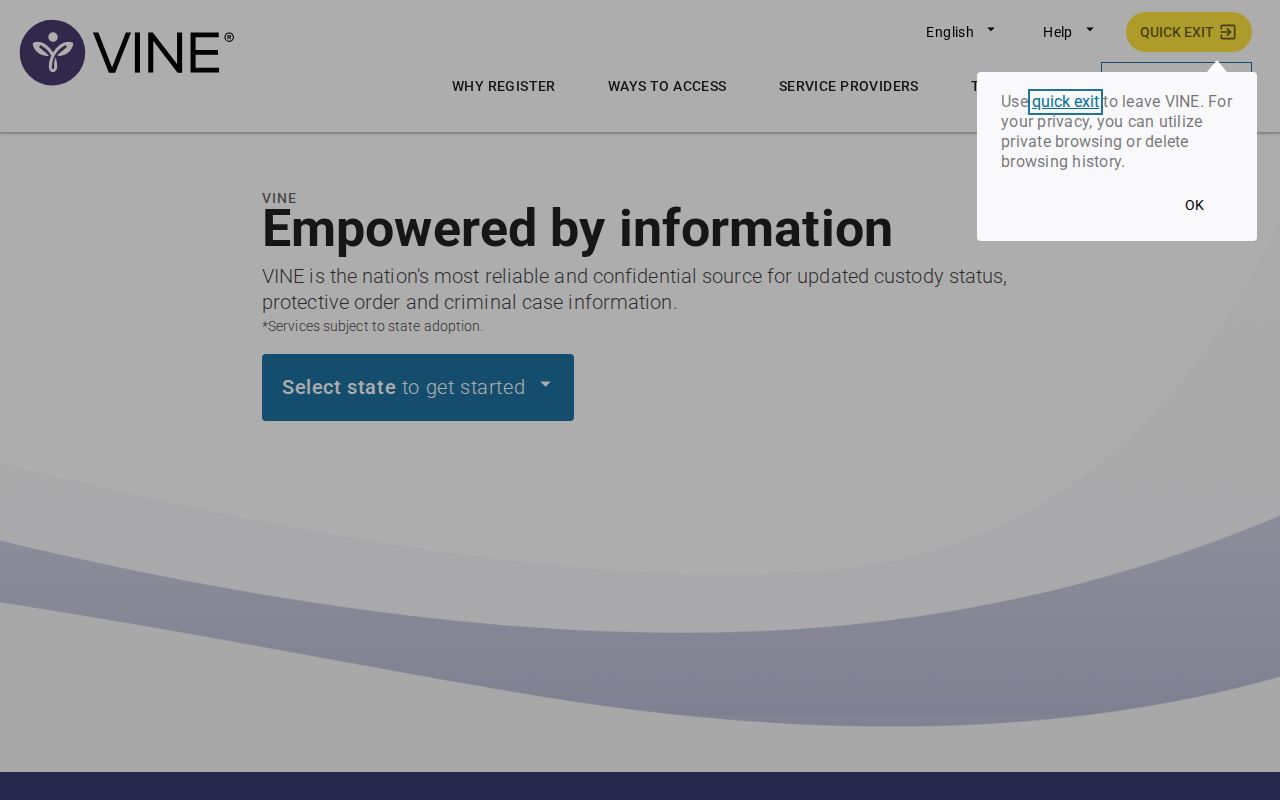
Two official pages describe WI-VINE. The county's Victim Notification Service page says the service is free and anonymous. The sheriff and the Wisconsin DOC supply it together. It was built to monitor Wisconsin county-jail custody. The page points readers to VINELink for online access. The Wisconsin DOC's WI-VINE county-jails page covers both the online and phone routes, plus registration.
Know what VINE is before you lean on it. It is not a booking-photo service. It is not a daily arrest blotter, and it is not a court search. One system can show a person the other one misses. Someone may appear in the county roster but not yet in VINE. A person may also appear in VINE after a release has already dropped them from the roster. The two systems take in different data and update on their own schedules.
Access runs around the clock, online or by phone. The county page describes support in English, Spanish, and Hmong. The live application changes its labels and search fields at times. Use the choices the screen actually presents. Do not assume every county asks for the same identifier.
The official St. Croix County victim-notification page sits alongside the county's other custody resources.
How to Check a St. Croix Arrest on VINELink
A custody search works best with a clear identity. Results can hold more than one match. A no-result screen can mean a release, a transfer, a processing delay, a different county, or data that fails the locator's display rules. So one empty search is rarely the whole story.
- Open VINELink and select Wisconsin.
- Choose St. Croix County when the application asks for the county-jail location.
- Enter the name or other identifier the live application offers. Use a careful spelling and do not add facts the screen does not request.
- Review every match. Compare the name, age or other available identifiers, custody location, and status before selecting a record.
- Read the notice and status exactly as displayed. Treat the result as custody information, not a court finding.
- If the result is missing or conflicts with a fresh booking question, check the county inmate portal and call the jail.
VINELink earns its keep when you want an alert instead of endless manual searches. A person in county custody may later move to state DOC custody, federal custody, ICE custody, another county, or release. VINE coverage does not follow every handoff. Each transfer can quietly end the trail.
What a VINELink Result Shows
The live state application owns the exact result layout. The fields described here cover what a custody notification record does, without promising any label that may change.
| Result detail | What it means |
|---|---|
| Person or offender name | The identity tied to the VINE record. A name match should be checked against other displayed details. |
| Custody status | A current status supplied through the participating jail system. It can change after release, transfer, or a data update. |
| Facility or county | The participating custody location associated with the result. It does not guarantee the person is physically there at every moment. |
| Identifier | A number or other custody detail if the application provides one. Use it only as shown and do not infer a court case number. |
| Notification choice | A route for a registered phone, text, or email notice when the application offers it. |
| Alert status | A confirmation or active-registration message. Keep the PIN secure and follow the live instructions. |
VINE does not give a final case result. For filings and case outcomes, use Wisconsin Circuit Court Access. For the freshest roster check, take the Daily Arrest Report route. Want an old arrest record or photo? Contact the records custodian.
The free VINELink application lets anyone check custody status and sign up for alerts.
Register for Release or Transfer Alerts
Registration is separate from searching. The Wisconsin DOC page lists 1-888-WI-4 VINE, or 1-888-944-8463. It also describes enrollment online or by phone. Current DOC instruction sets a clear rule for phone notifications. They keep going for 48 hours or until the right four-digit PIN is entered. An older Wisconsin DOJ resource worded the timing differently. If the wording shifts, follow the current DOC page or the live application.
- Run the custody search and select the matching record, or use the phone system to identify the person.
- Choose registration when the result offers release or transfer notifications.
- Enter a phone number, email, text route, or other contact method only when the application presents that choice.
- Create and save the four-digit PIN. The PIN confirms that the intended recipient received the notice and may stop repeat calls.
- Read back the confirmation details, including the event types and contact route. Update the registration if the live service allows changes.
VINE alerts work well for release and transfer concerns, but an alert is not a warrant notice or a court result. A notification can arrive after the underlying event. Phones and email fail sometimes. Keep the county jail number close for anything time-sensitive.
The service is free and anonymous. Skip sensitive details in public messages, and avoid asking for custody updates through a social-media account. The county's social-media policy says its accounts are not monitored continuously for emergencies.
VINELink Limits and Verification
VINELink covers custody information from the participating Wisconsin county-jail system. It is not the BOP locator. It is not the U.S. Marshals internal system, the ICE locator, or a DOC photo database. Someone who moved to Wisconsin DOC supervision, a federal sentence, immigration detention, another county, or release may drop out of the same VINE path entirely.
Confirm a fresh arrest: VINE can lag a new booking. Check the official county inmate view or call St. Croix County Jail at 715-386-4752. For an older booking record or photograph, use the sheriff's records process.
The county's current roster has its own limits. It focuses on current inmates. No refresh schedule is published, and the public result shows no photo. A VINE match and a roster match can disagree without either one being a court record.
St. Croix County Alert Context
The county lists no booking-specific mobile app. The sheriff's official page links general Facebook and Wisconsin Crime Alert Network resources. Those channels may carry public-safety messages, but neither one promises every booking or custody change. WI-VINE remains the sourced custody-alert path.
Careful wording matters. Say "listed in custody" or "a notification reported a change," and check WCCA for the case outcome.